B2B customers are companies, not individuals: one account owner, several buyers, one set of orders to keep track of. Company Sub-Accounts for WooCommerce models exactly that inside My Account.
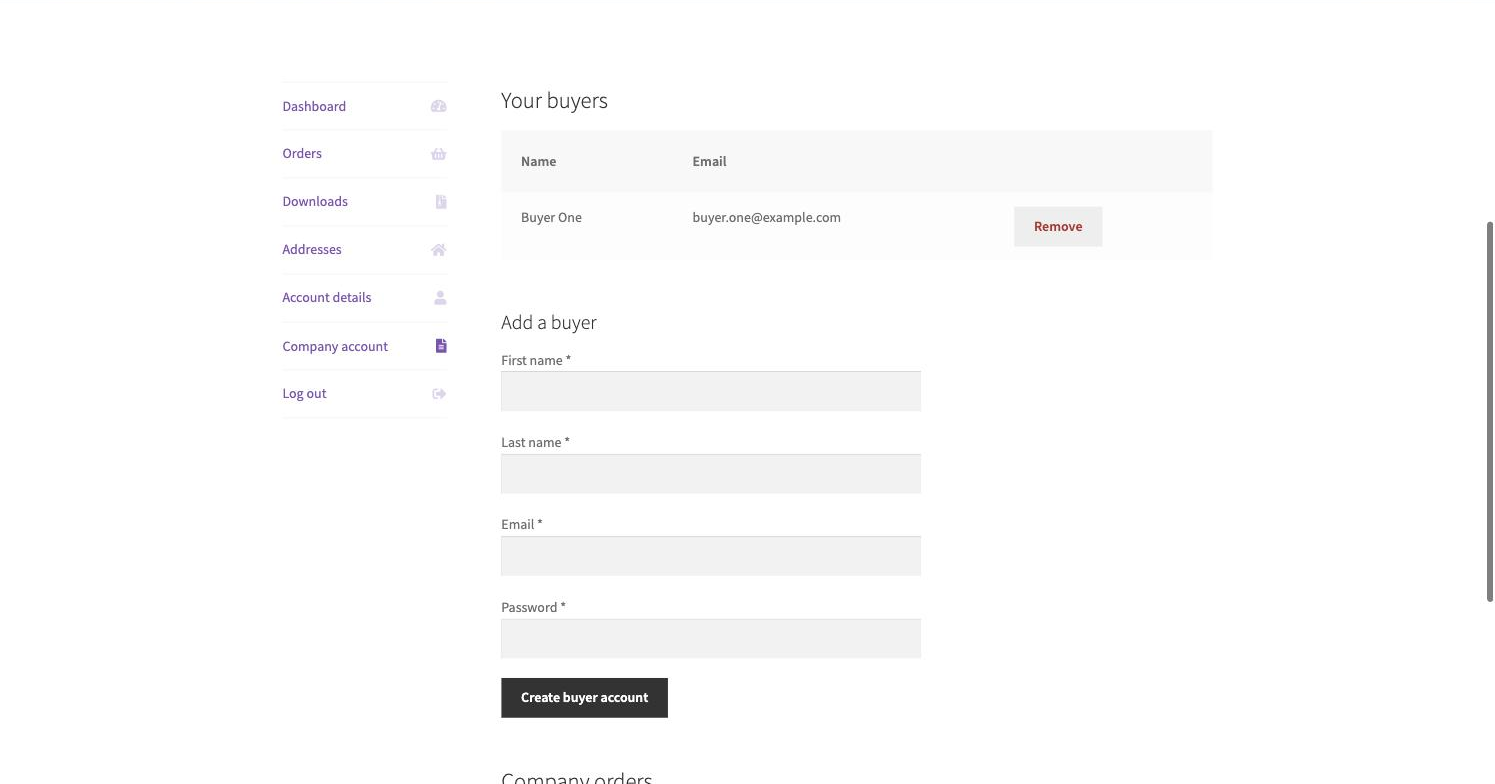
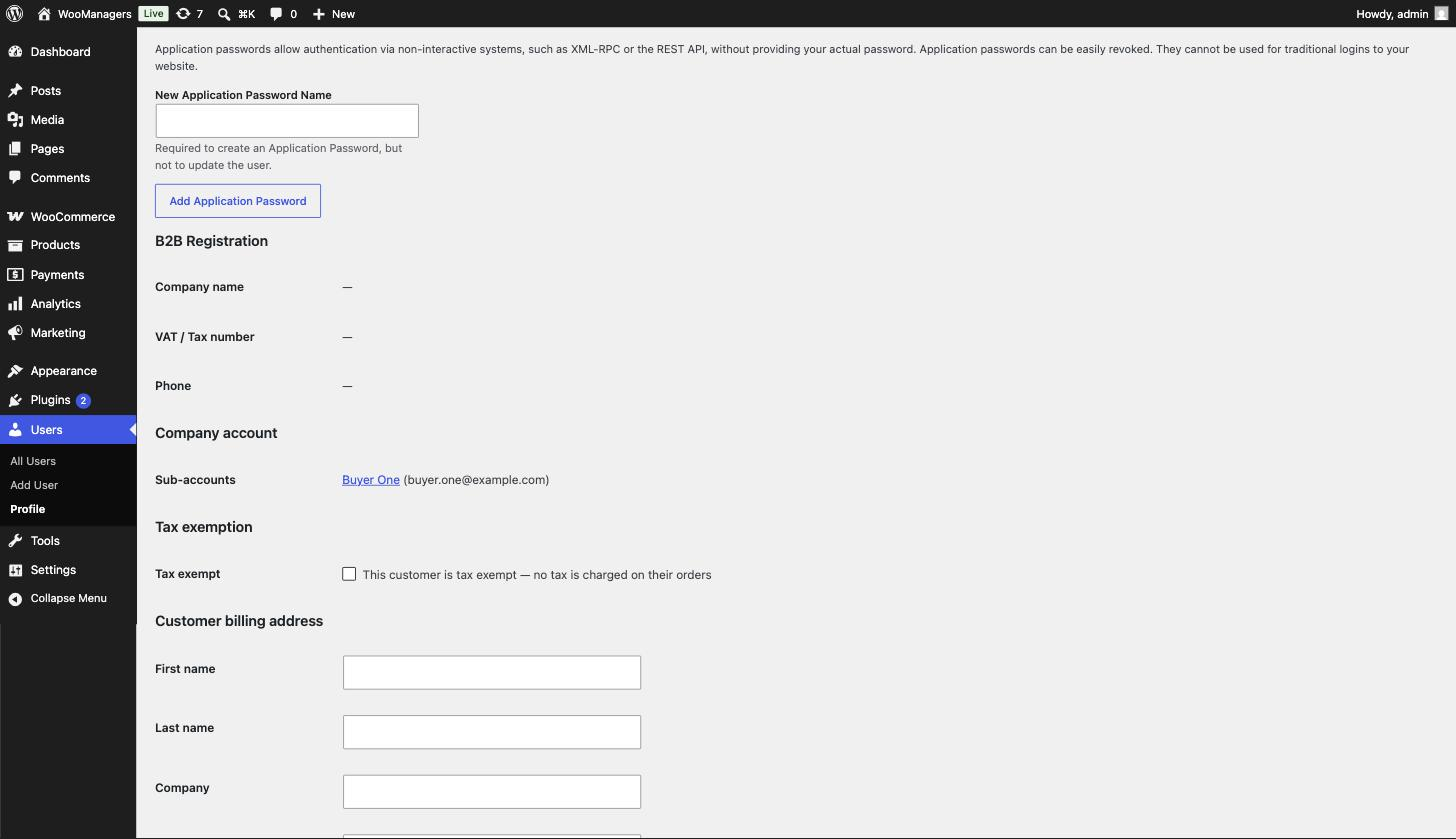
Eligible roles get a Company account area where the parent account creates buyer sub-accounts — each new buyer is emailed automatically — and sees every company order across all buyers in one combined view.
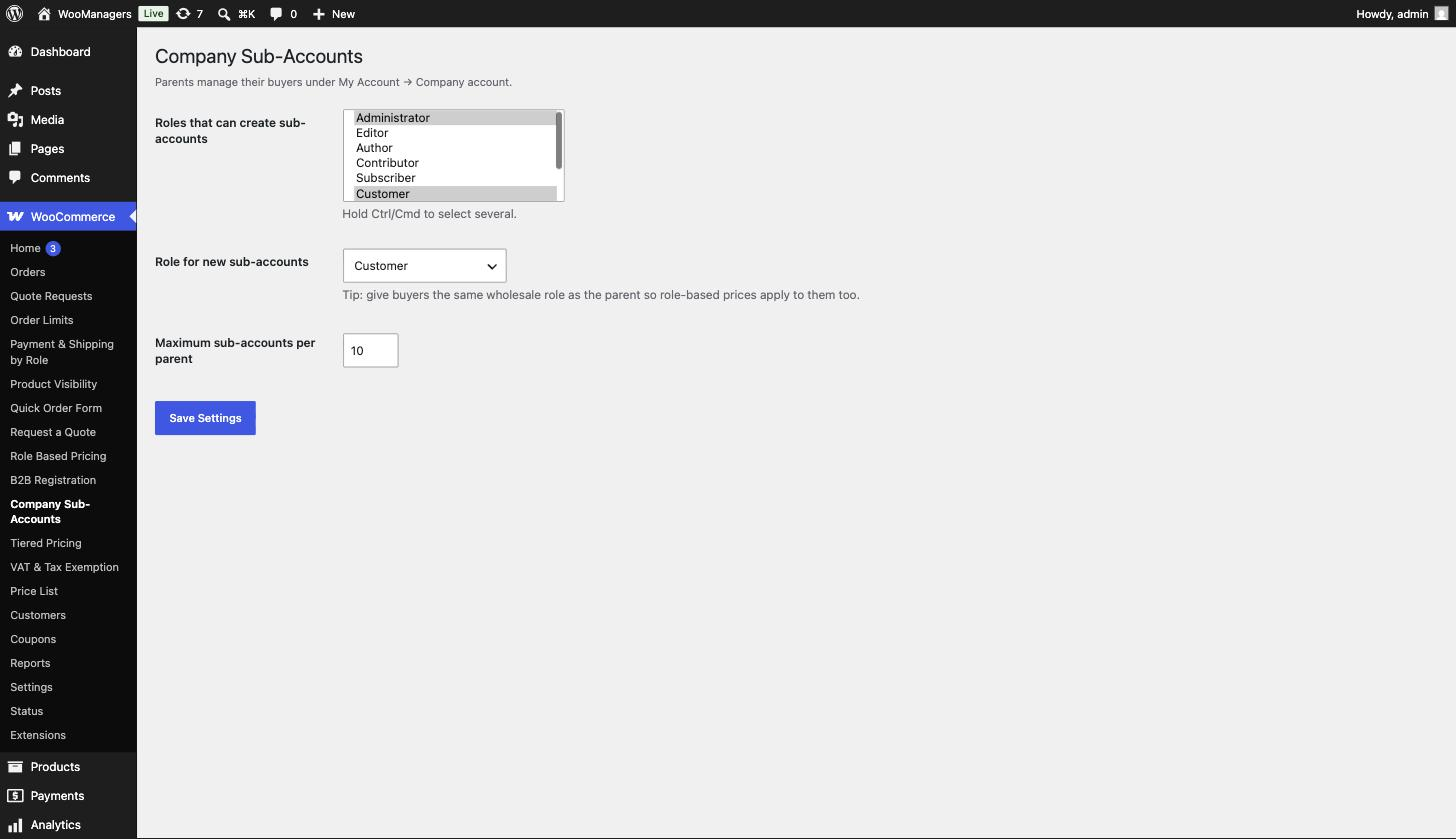
You stay in control: settings decide which roles can create sub-accounts, which role buyers receive and how many buyers a company may have. Unlinking a buyer preserves their account; only the company link is removed.
Key Features
- Company account area in My Account for eligible roles
- Parents create buyer accounts — the buyer is emailed automatically
- Combined company orders view across all buyers
- Unlink buyers any time; accounts are preserved
- Configurable roles, buyer role and per-company limits
- One user-meta link, no extra tables
How It Works
- A parent account opens the Company account tab in My Account.
- They add a buyer — the buyer receives an email with access automatically.
- Buyers place orders as themselves; the parent sees all company orders combined.
- Unlink a buyer at any time; their account itself is preserved.
Screenshots
Frequently Asked Questions
Which roles can create sub-accounts?
Whichever you allow in settings — typically your wholesale or company-owner roles. Everyone else’s My Account is unchanged.
Can the parent see the buyers’ orders?
Yes — the Company account area includes a combined orders view across every linked buyer.
What happens when I unlink a buyer?
Only the company link is removed. The buyer’s account, history and login remain intact.
Can I limit how many buyers a company has?
Yes — a per-company limit is configurable in settings.
Do buyers get their own logins?
Yes. Each buyer is a real WordPress user with their own credentials, created and emailed automatically when the parent adds them.
Is this plugin really free?
Yes. The plugin is fully functional and free forever — no locked screens, no trial timers. A premium version with advanced features is planned, but everything you see here stays free.
Will it slow down my store?
No. The plugin is intentionally lightweight: no external requests, no front-end frameworks and no extra database tables. It hooks into standard WooCommerce filters and caches its work per request.
Does it clean up after itself if I uninstall?
Yes. Deactivating keeps your settings; deleting the plugin removes its options and data from the database, leaving your store exactly as it was.
Requirements
- WordPress 6.2 or newer
- WooCommerce 7.0 or newer — HPOS (High-Performance Order Storage) compatible
- PHP 7.4 or newer
- Works with classic themes and block themes
Part of the WooManagers B2B Suite
This plugin is one of 12 lightweight B2B extensions by WooManagers that work alone or together: role based pricing, tiered pricing, quotes, B2B registration, order rules, catalog visibility, checkout control, quick ordering, VAT handling, purchase orders, company accounts and price lists. Install only what you need — each plugin is small, focused and adds no bloat.
Free forever. A premium version with advanced features is coming soon — and if you need something custom, our team builds bespoke WooCommerce extensions too.